
THE YEAR-TWO BILL
Read the year-two bill before anything else
A small business website is a recurring expense, not a one-off purchase. The price you see on the signup page is the year-one price. The bill that arrives in year two is the one that decides whether the site was worth it.
Most builders advertise an introductory rate on annual billing. The renewal figure, the domain renewal, business email, booking and payment add-ons, and any plan upgrade your site quietly needs can add up to a noticeably higher monthly cost once the first term ends. Treat the renewal line as the real price and the intro line as a discount that expires.
The checklist runs money first
Each item on the checklist starts with what you will pay after the first term: the renewal price, the domain, business email, paid apps and payment fees. Only then does it move to launch speed and whether the site brings in calls, bookings and quote requests. A fast launch on a plan that doubles at renewal is still an expensive site.
Use it before you open an account
Work through the cost lines first, write down the renewal figure for the plan you intend to keep, and only then open a builder account. If a renewal price is not published, treat that as a cost you have not yet verified. For the full line-by-line breakdown, read Small Business Website Maintenance Cost: The Year-Two Bill before you commit.
Small Biz Builder Rankings scores builders on the bill you actually pay, dated to our most recent price check.
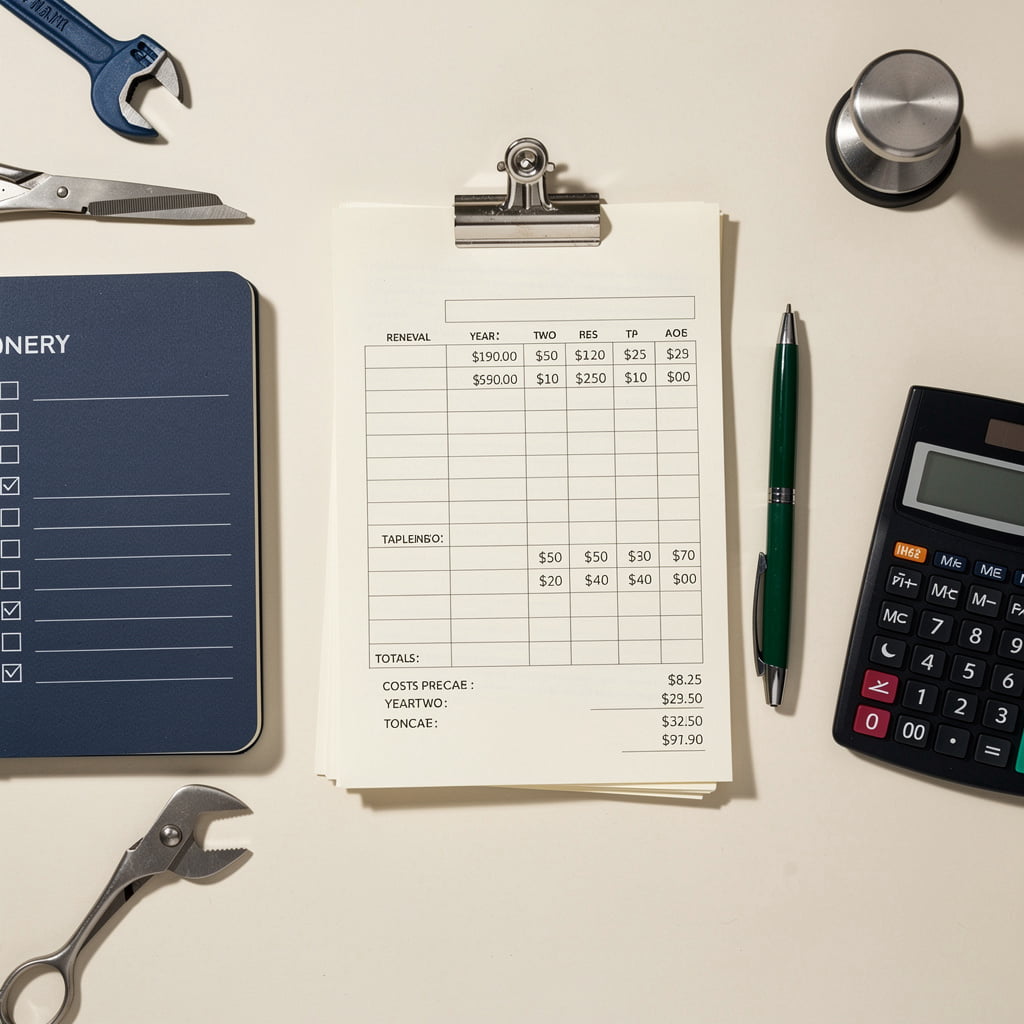
Cost and renewal items to verify before you pay
Before you enter a card, check these lines against the renewal price, not the intro price. Every builder quotes its best number first, and the surprises arrive on the second invoice. Exact amounts must be read from the builder's current pricing page on the day you buy, because plans change.
- Renewal price for your plan, in writing. Find the figure that applies after the first term, not the promo. A surprise is a plan that roughly doubles at the first anniversary.
- Domain renewal cost. A free first-year domain often renews at a much higher rate. A surprise is a .com that jumps to a $20-plus yearly renewal you never budgeted for.
- Business email cost. Check whether mailboxes are bundled or billed per user, and whether the free year auto-renews at full rate. A surprise is a free year that quietly converts to a paid seat.
- Paid add-on apps. Booking, scheduling and email tools are sometimes separate subscriptions. A surprise is a booking feature that needs a second product with its own monthly bill.
- Payment processing fees. Confirm the percentage charged on every deposit or booking, on top of the plan price. A surprise is a lower-tier plan that adds a transaction fee you did not expect.
- Plan tier needed for booking or a custom domain. Many features sit behind a higher tier. A surprise is discovering that the plan you priced cannot take payments or connect your own domain.
Launch and lead-capture checks before go-live
A site that looks finished can still bring in nothing. Before you put the address on your van, run these checks in order. Each one is about whether the phone rings and the bookings arrive, not about how the pages look. If you need to launch by Sunday, the trade-offs are in our easiest website builder guide; if bookings matter, see our head-to-head comparisons.
-
1
Publish the pages a customer needs to decide
Services, prices or price ranges, an about page and a contact page. A visitor who cannot see what you do and roughly what it costs leaves without calling. Keep the list short. Five clear pages beat twelve thin ones.
-
2
Put a visible phone number and a quote or booking route on every page
Your number should sit in the header or the first screen, not only on the contact page. Confirm the quote or booking button on each page actually reaches a working form or calendar. A button that leads nowhere costs you a lead you will never know about.
-
3
Send a real test submission and find where it lands
Fill in your own form and book a test slot. Check the inbox, the builder's dashboard and your phone notifications. If a submission goes to an address nobody reads, the site is only a brochure. Note which plan tier this needs, because on some builders taking payments or bookings requires a higher tier and a higher monthly price.
-
4
Check the site on the phone you actually use
Most local searches happen on a phone, often from a driveway or a job site. Tap the phone number, tap the booking button and read the first screen on a small display. If the number is hard to tap or the form runs off the edge, fix it before launch, not after.
-
5
Set a launch date against the hours you really have
Work backwards from the evenings you can give the site. A realistic one-person launch takes a few weekends, not a single afternoon. Pick a date you can keep, and remember that the year-two renewal bill starts the day you pay, not the day you finish.
Quick answers before you choose a builder
Three questions come up before almost every signup. The short answers below put the renewal figure first, because that is the number you will actually pay in year two.
-
What if the renewal price is not published?
Do not sign up on the intro rate alone. Check the builder's current pricing page for the plan you intend to keep, and assume the figure after the first term is the real one. If the renewal number is hard to find, treat that as a warning sign and price the plan at the highest published tier you might need. Our figures are checked against each builder's own pricing and dated, and anything we could not confirm is flagged as an estimate.
-
Do I need a website if I already have a Google Business Profile?
The free Google Business Profile is worth creating this week regardless. For some shops it is enough for a season. A website adds a place to book, request a quote and answer questions while you are closed. If you are weighing the two, read Website or Google Business Profile? before paying for anything.
-
How do I compare two builders on year-two cost?
Write down the renewal price for the same plan on each builder, then add the domain, business email, any paid app needed for booking or forms, and payment fees on bookings. Ignore the first-year promo. Compare the two totals side by side. For a head-to-head verdict, see Wix vs Squarespace for Small Business or the builder comparisons page, which includes Durable vs Wix and Hostinger. For a closer look at one builder's renewal numbers, read our Squarespace Small Business Review.