
Year-two bill
Builder or designer: the year-two bill decides it
Both ways of getting a small business website carry a recurring cost. The launch price is the number everyone quotes. The year-two figure is the one that actually decides which path is cheaper.
There are two paths. The first is a DIY website builder: you pay a monthly or annual subscription, build the site yourself, and keep paying to keep it online. The second is a hired designer: you pay a one-time build fee, then carry ongoing costs for hosting, domain, email, fixes and any changes you cannot make yourself.
Who this is for
This is for owners of plumbing, cleaning, salon and contracting businesses who need a site that brings in calls, bookings and quote requests, and who want to know the true monthly bill before signing anything. Small Biz Builder Rankings publishes independent small-business website builder rankings, scored on real cost, launch time and lead capture.
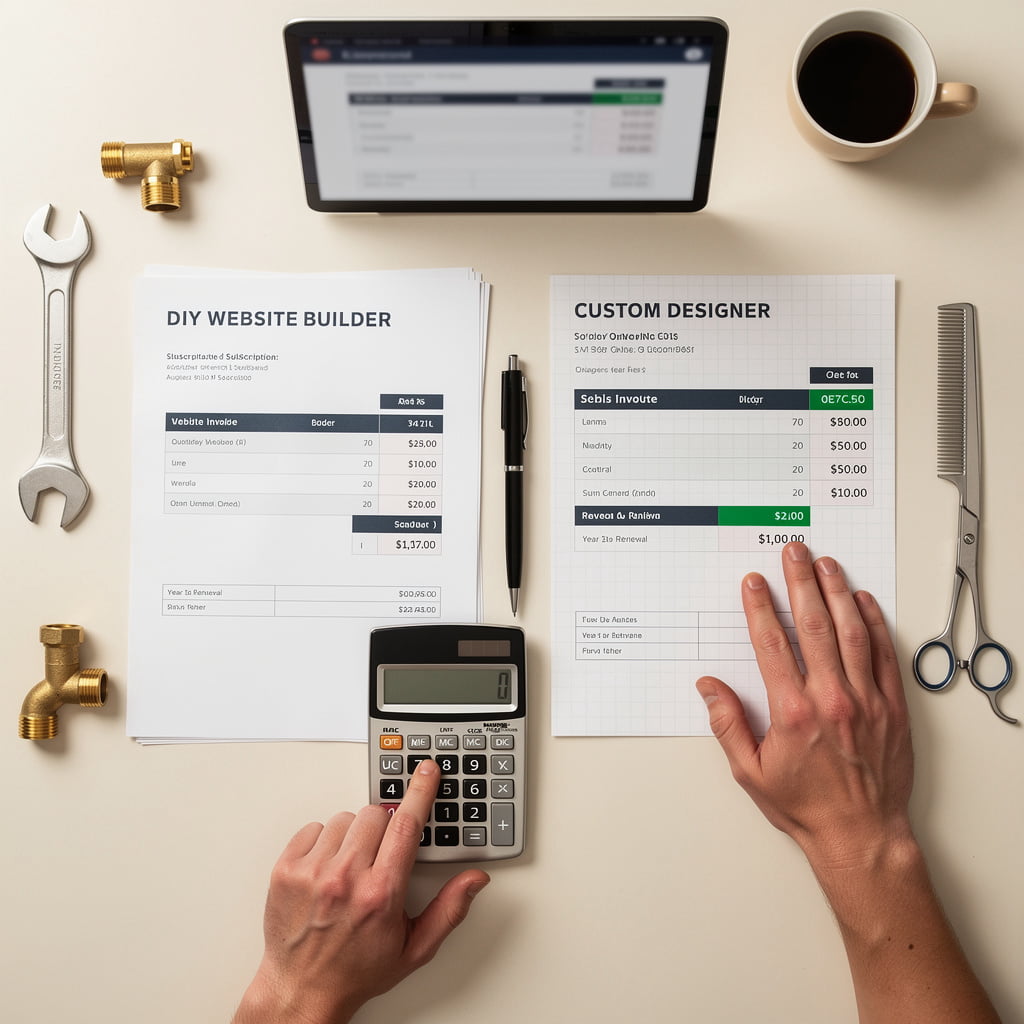
What each path costs, line by line
Set the two bills side by side. A DIY builder is a subscription you keep paying. A hired designer is a one-off build fee plus fixes and any retainer. Figures below are typical ranges, not quotes. Check the renewal figure on each builder's current pricing page before you pay, and assume renewal prices can rise after an introductory period.
| Cost line | DIY builder | Hired designer |
|---|---|---|
| Upfront build fee | None, or a small set-up cost | Often from about $1,500 for a professional build |
| Monthly subscription | Roughly $10 to $29 a month on renewal pricing | None, unless you take a hosting plan |
| Domain | About $10 to $15 a year | About $10 to $15 a year |
| Business email | About $7 a month per user | About $7 a month per user |
| Paid apps (booking, forms) | $0 to $16 a month, depending on the builder | Usually a one-off integration cost |
| Payment fees | Per transaction, on bookings and deposits | Per transaction, on bookings and deposits |
| Designer fixes or retainer | Only if a template breaks and you hire help | Billed per change, or a monthly retainer |
| Year-one total | Roughly $150 to $500 including domain and email | Roughly $1,500 to $10,000 or more, plus ongoing lines |
| Year-two total | Renewals, domain, email and apps, usually $25 to $40 a month | Recurring domain and email, plus any retainer or fix invoices |
Ranges are typical, not quotes, and will change. Confirm every line against the provider's own pricing before you commit. For the full year-two arithmetic, read the year-two maintenance cost guide.
Launch time, control and lead capture
Speed and control pull in opposite directions. A template builder can have a five-page site live in days, but you accept its layout and its booking and form tools. A designer takes longer and costs more up front, but the layout is yours to shape. Whichever path you take, check how the site captures calls, bookings and quote requests before you pay for it. A site that does not produce enquiries is a recurring cost with nothing coming back.
-
1
Launch time: days versus weeks
A builder with a documented setup flow can put a working five-page service site online in a weekend if you have the copy and photos ready. A hired designer usually needs a brief, a design round, revisions and a build before anything goes live, so plan for weeks. If the page must be live this week, the builder route wins on speed. For a fuller walk-through of the weekend build, see our easiest website builder guide.
-
2
Control: templates limit you, custom work costs more
Templates fix your layout, navigation and often your fonts, and you can only edit what the builder exposes. Changes that fall outside the template usually mean paying someone. A designer can build a custom layout, but every later edit tends to go back through them, so the year-two bill includes those fixes. Decide which kind of control you actually need before choosing.
-
3
Lead capture: forms, booking widgets and click-to-call
Whichever path you take, confirm three things. First, a contact or quote form that delivers to an address you check. Second, a booking widget if customers book appointments online, which is often a paid tier or a separate subscription, so read the renewal price. Third, a tap-to-call button on mobile, since most local enquiries arrive by phone. Our guide on website builders with booking covers which tiers include scheduling and what they cost after the first term.
Which path fits your bill, and the next step
Pick the path by the bill you can carry every month and the amount of work you are willing to do yourself. Neither option is cheap to run for free, so decide on the recurring figure, not the build fee.
Choose a DIY builder if you want a low, predictable bill
A builder subscription suits owners who can edit their own site and want a steady monthly figure. Check the renewal price, the domain renewal and the business email cost before you sign up, not the introductory rate.
Hire a designer if the work needs to be custom
A designer suits owners who need custom layouts or integrations a template cannot reach, and who can fund ongoing fixes. Budget for the build fee and for the changes that follow it, because the build is a one-off and the upkeep is not.
Run the year-two check before you commit
Whichever path you take, write down the year-two total: plan renewal, domain, email and any paid apps. If that figure is more than you can absorb, the path is wrong, however good the launch looks.
Before choosing, work through the small business website checklist so you know every line that will hit your card.
Compare the five builders on year-two cost